
For first-timers, creating a user in the oracle database can be troublesome. Therefore, I am posting this guide for reference.
This guide is successfully tested in Oracle database version 12C+ and windows 10 OS.
Let's get started.
Firstly, run SQL Plus as administrator.
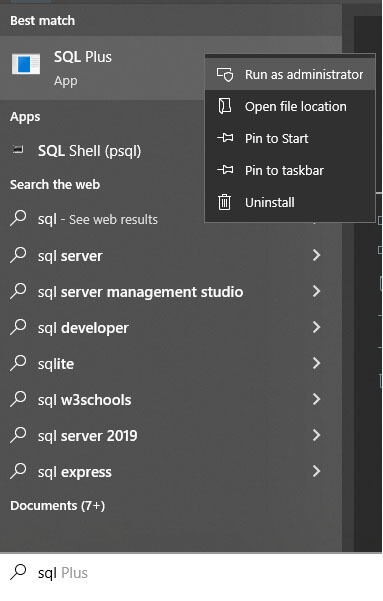
Then the command prompt window will pop up.
We will write the command below and press Enter key.
SYS AS SYSDBAIt will require a password. But we can press the Enter key and it will get connected to the oracle database.
Now, I will create a user named nafisul and give the password as nafisul as well. To do so, enter the command below.
CREATE USER nafisul IDENTIFIED BY nafisul;If it throws an error like this: Invalid common user or role name
Then we can execute this command to solve the error and use the create user statement again.
ALTER SESSION SET “_ORACLE_SCRIPT”= true;After the creation of a user, you will see a message User created
Finally, you can give the user dba access by using this command.
GRANT DBA TO nafisul;
For reference, you can check the commands I used in this image.
